A module for drawing shadows
I remember that when I used the beamer class to create a presentation for the first time (circa 2003!), one of the most impressive features was shadows under the frames. The simplest idea to draw a shadow is to copy the shape of the object, shift it a bit, and draw it in the background with a grayish color.
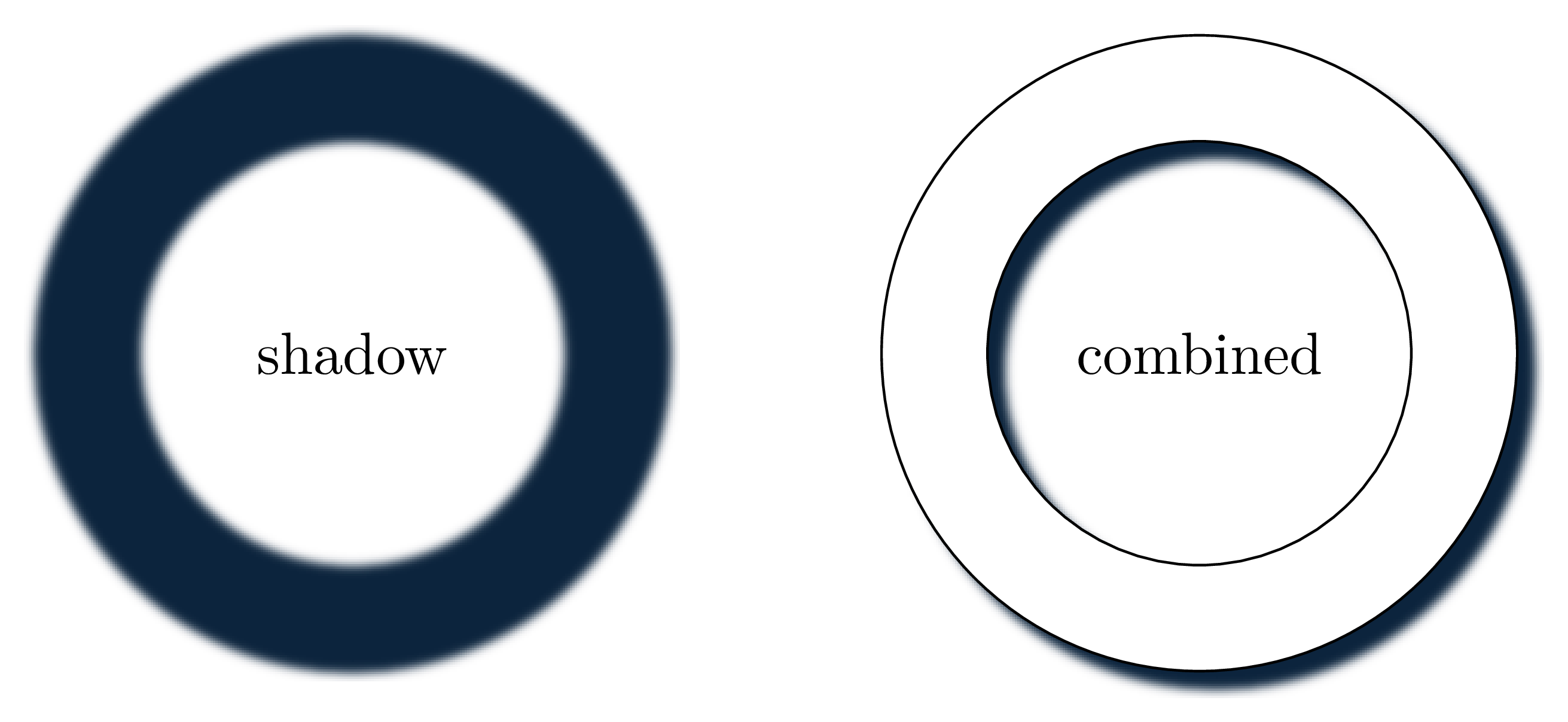
We can improve it a bit, by adding a bit of a Gaussian blur …
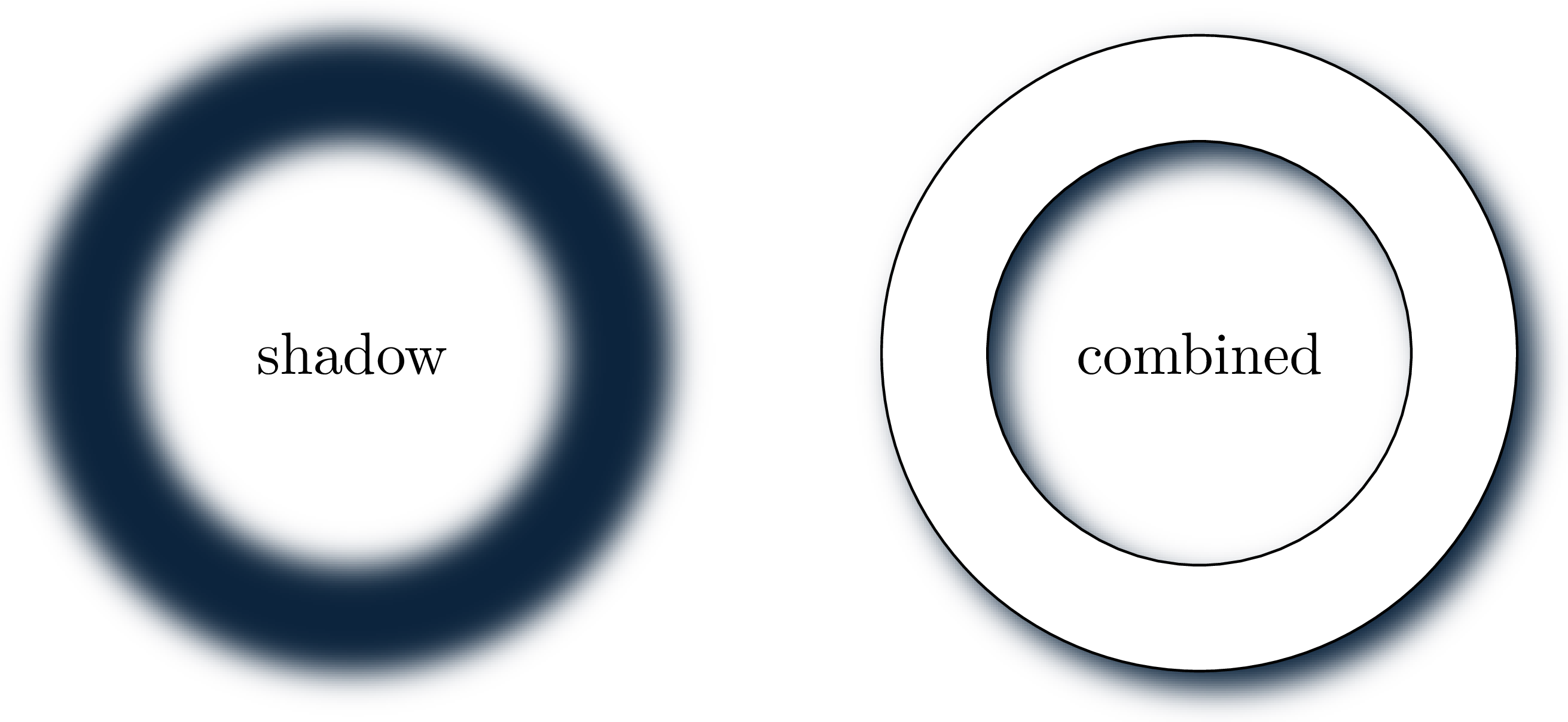
… and perhaps making the shadow slightly bigger than the object …
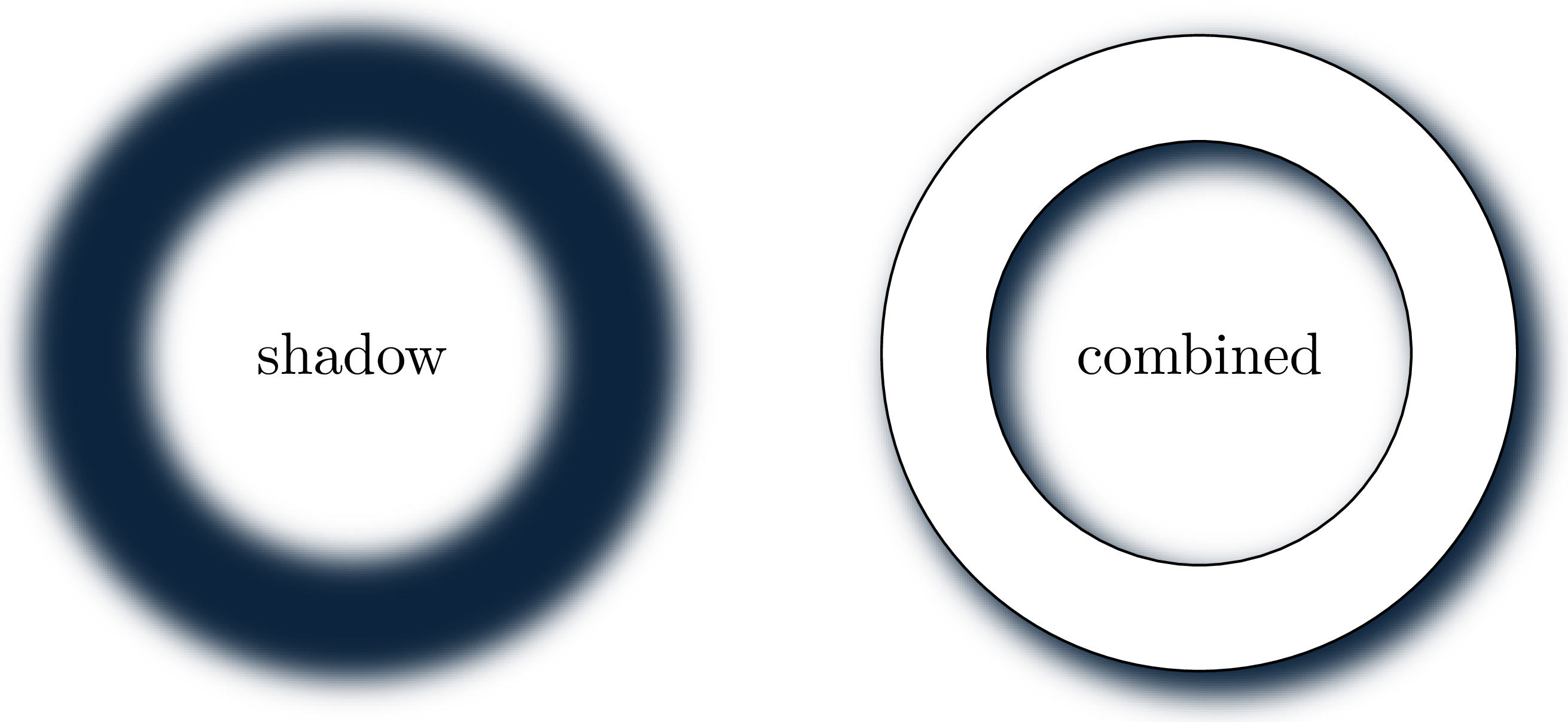
… and maybe adding a bit of transparency …
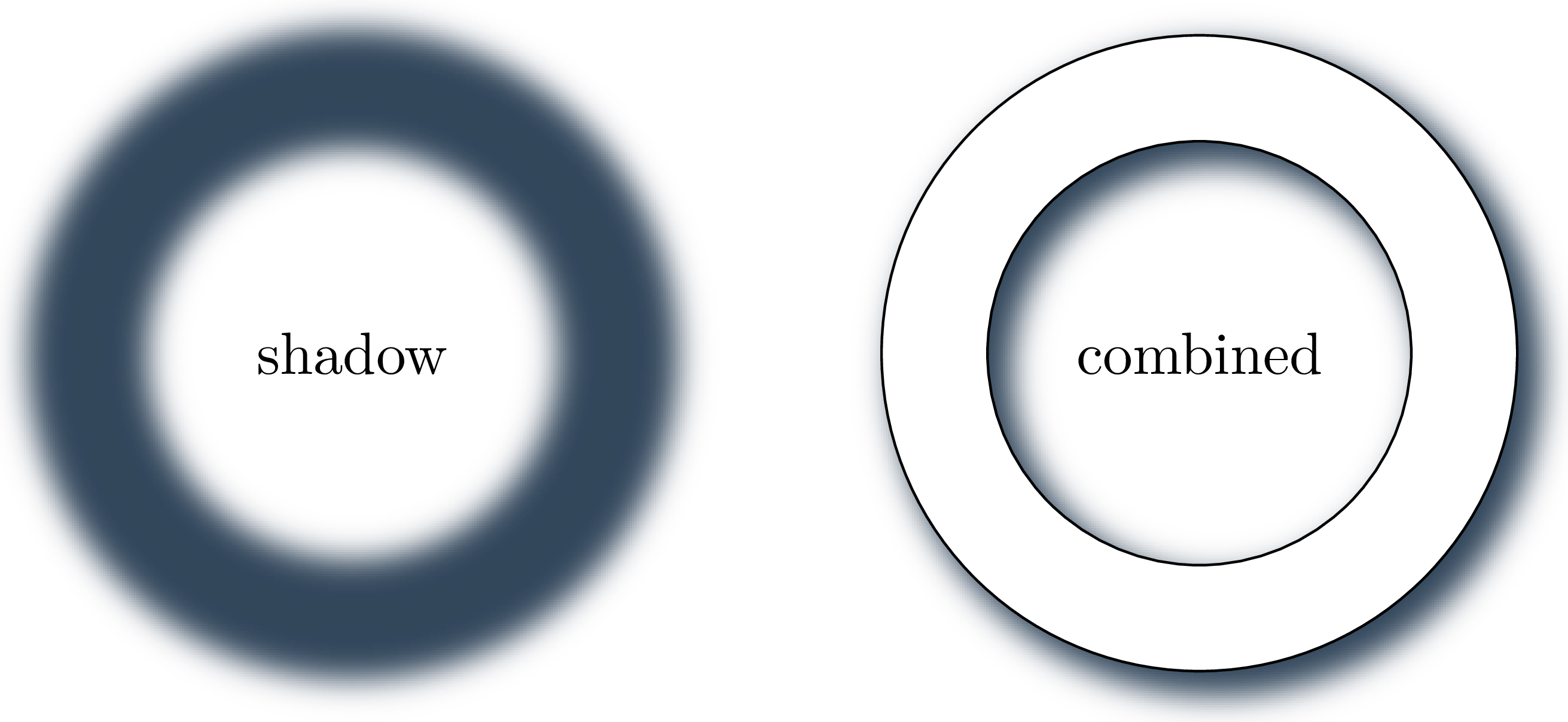
There are various LaTeX packages that provide different variations of the above idea (starting with fancybox, tikz, pgf-blur, and others.)
A while back, Peter Rolf released a ConTeXt module drops, which drew slightly more realistic shadows by drawing both the umbra (the dark part of the shadow) and the penumbra (the lighter part of the shadow).
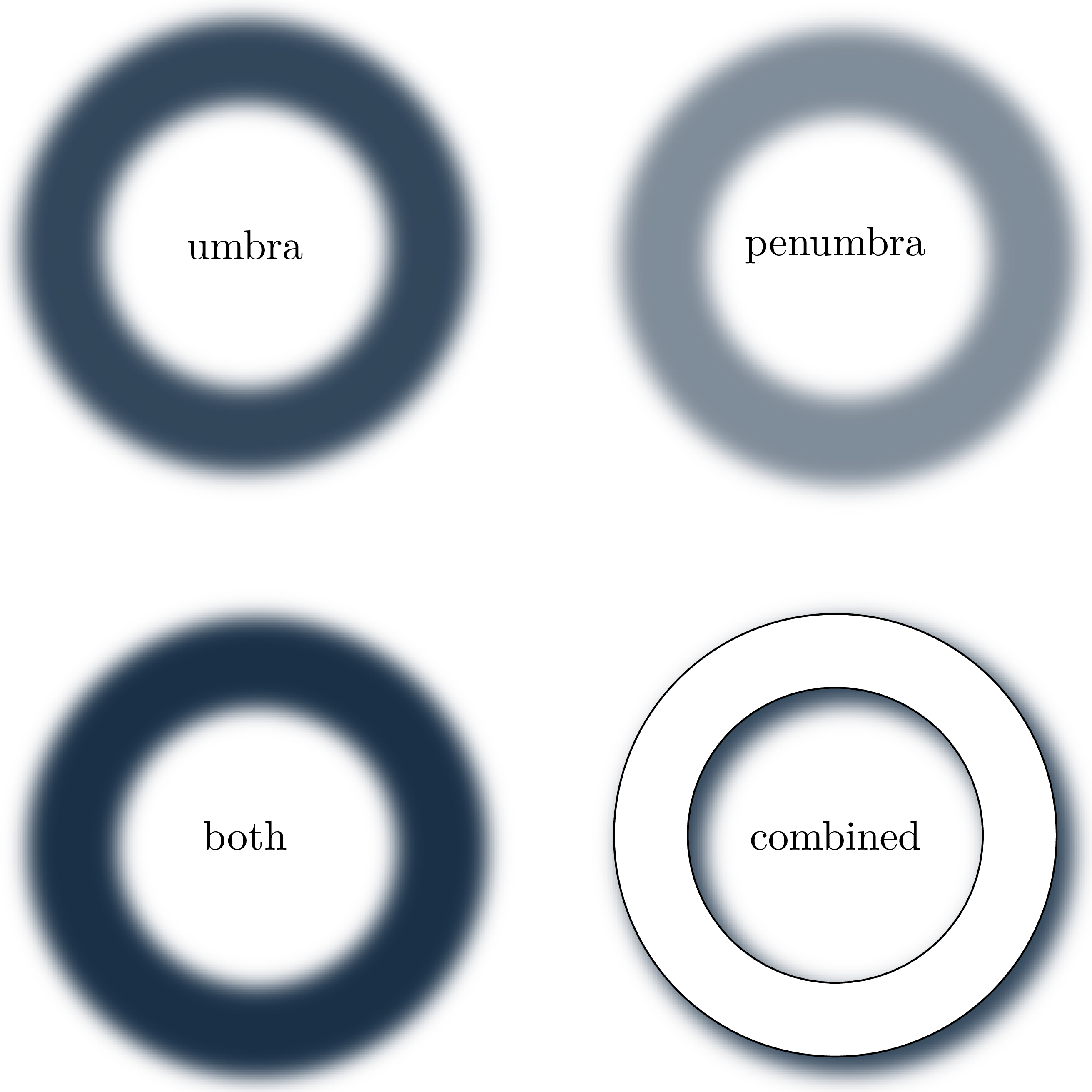
Unlike many of the other modules, drops module used ImageMagick to draw the shadow, which required some book-keeping in the background, but ensured that the rendering was fast (some of the PDF viewers struggle with multiple layers and transparency, which can be annoying during a presentation).
The drops module also provided an interface to draw shadows behind MetaPost paths, but the interface was a bit clunky.
For a while, I wanted to provide a nicer interface around the drops module (an older attempt is on GitHub, posted in response to a question on TeX.SE). But I never touched the actual calculations (which were done in a 1500-line Lua file).
I recently made another attempt at rewriting the module from scratch, emphasizing a cleaner interface, especially for the MetaPost part. The module is called t-shadow and is available on GitHub.
I wanted the following interface:
-
We define a shadow on the TeX side:
\defineexternalshadow[name][key=value, key=value] -
Use the shadow in MetaPost:
-
At the same time, I wanted to change the values set on the TeX side in MetaPost:
This was surprisingly easy, using the ability to call Lua from MetaPost. The MetaPost part of the code is:
\startMPdefinitions
def
"externalshadow""do_externalshadow"
enddef
vardef
image
"externalshadow"
if"path"
newpath"path"
newstring
draw
xpartllcornerypartllcorner
xparturcorneryparturcorner
if""
fillwithcolor
fi
fi
enddef
\stopMPdefinitions
And then, we can define a function in lua to do all the actual calculations:
function mp.externalshadow_use(xmin, ymin, xmax, ymax)
    local options = getparameterset("externalshadow")
    resolve_options(options)
    local spec    = options_to_spec(options)
    local path    = options.path

    local masks   = path_masks(spec, path, xmin, ymin, xmax, ymax)
    local outfile = render_to_file(spec, masks)

    local sp_per_bp  = tex.sp("1bp")
    local hoff, voff = placement_sp(spec.direction, spec.offset)

    -- ImageMagick expands the PNG for the blur, so center the loaded figure
    -- in MetaPost and then restore the path's logical bounds.
    local cx   = (xmin + xmax) / 2
    local cy   = (ymin + ymax) / 2
    local w_bp = xmax - xmin
    local h_bp = ymax - ymin

    return format(
        [[image (
            newpicture fp ; fp := figure("%s") ;
            draw fp shifted (-center fp) shifted (%fbp, %fbp) ;
            setbounds currentpicture to fullsquare xscaled %fbp yscaled %fbp shifted (%fbp, %fbp) ;
        ) shifted (%fbp, %fbp)]],
        outfile,
        cx, cy,
        w_bp, h_bp, cx, cy,
        hoff/sp_per_bp, -voff/sp_per_bp
    )
end
Here, resolve_options is doing the bookkeeping of inheriting default values from the TeX side; path_masks converts the MetaPost path to an SVG path (which is later passed to ImageMagick), and render_to_file calls ImageMagick to create the shadow.
Here is a full usage example:
\usemodule[shadow]
\setupexternalshadow[directory=.cache]
\defineshadowlayer[mp:umbra][blur=0bp,spread=0bp,transparency=0.4]
\defineshadowlayer[mp:penumbra][blur=2bp,spread=0.5bp,transparency=0.6]
\defineexternalshadow[mp:shadow]
[
umbra=mp:umbra,
penumbra=mp:penumbra,
direction=-45,
offset=3bp,
]
\startMPdefinitions
% Arrowhead Modifications for TAOCP. Copied from some webpage of Knuth.
% I like these arrows better than the default mp arrows..
vardefarrowheadexpr
savepathpairpairpair
pointlengthof
gobbleshiftedcutaftermakepathpencirclescaled2ahlength
cuttings
point0ofrotated0.5ahangleshifted
pointlengthofreverserotated-0.5ahangleshifted
dirangledirectionlengthofrotated0.5ahangle0.3ahangle
dirangledirection0ofreverserotated-0.5ahangle0.3ahangle
enddef
ahlength5mm
\stopMPdefinitions
\startMPpage1
path
0cm-3.2cm
controls1.4cm-1.8cmand2.8cm-4.6cm
4.2cm-3.0cm
controls5.5cm-1.7cmand6.7cm-4.1cm
8.0cm-2.8cm
envelopemakepenfullcirclescaled1bpof
arrowhead
envelopemakepenfullcirclescaled1bpof
draw
pathwhich gives
